Create a Coloring Book and Sell It on Amazon KDP, Step by Step
Plan a kids' coloring book, make the pages, build the interior and cover PDFs, and price it from KDP's own royalty math.
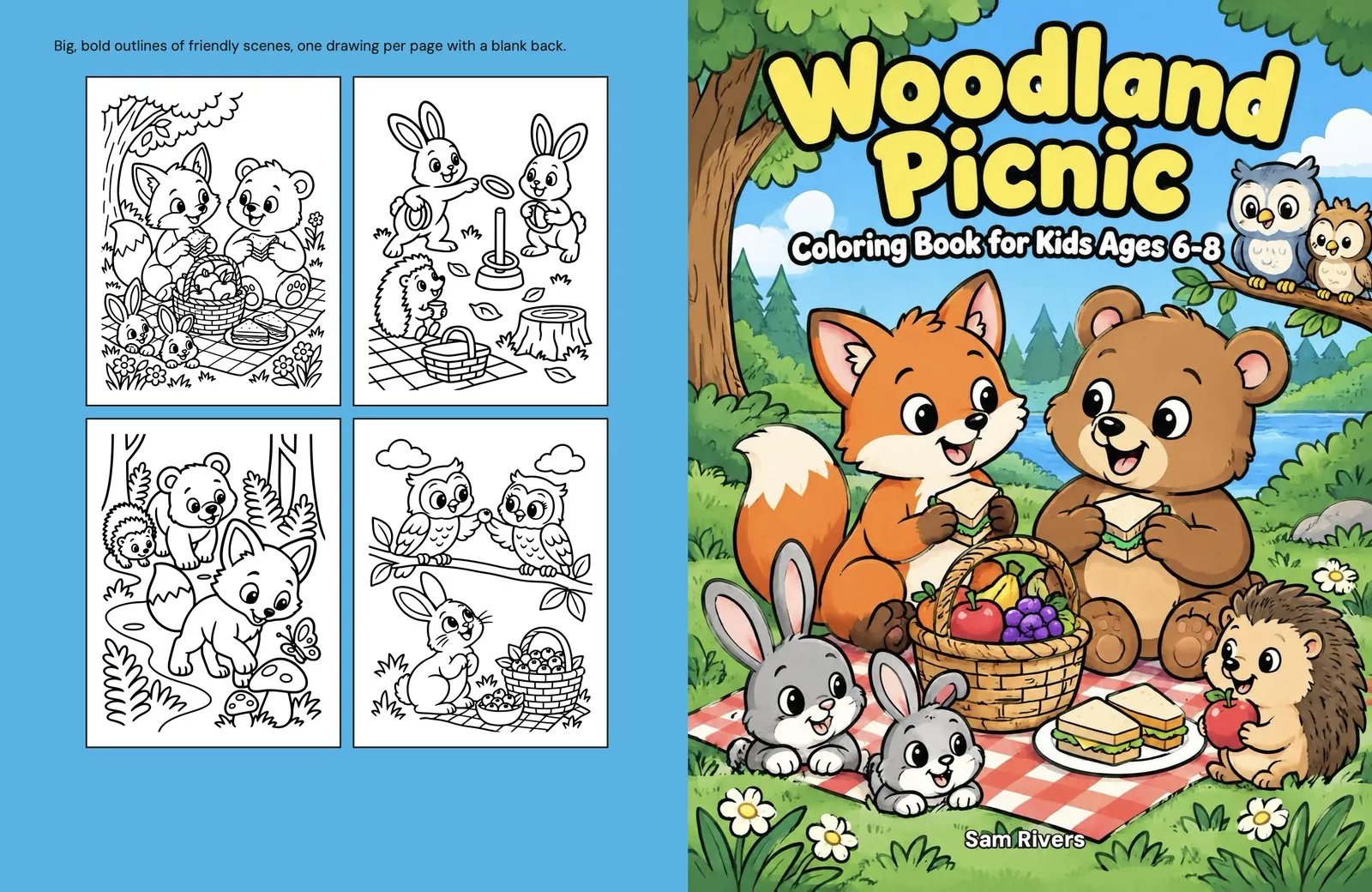
To learn how to make a coloring book, start by planning the reader and theme, then create the pages, build two print-ready PDFs, and upload them to Amazon KDP. The craft matters, but so do the production choices: trim size, margins, paper, page order, cover dimensions, and a careful proof. Every KDP rule in this guide comes from the KDP Help pages linked below, which we checked on November 11, 2026.
How to Make a Coloring Book in 7 Steps
Make the creative and printing decisions in a fixed order so that later changes do not force you to rebuild the book.
- Choose the reader and theme. Define the age group, subject, and drawing style.
- Set the print format. Pick the trim size, paper, bleed, and target page count.
- Plan every page. List the scenes and decide which front pages and blank backs you need.
- Create and review the art. Draw, scan, design, or generate each image, then fix weak lines and unwanted details.
- Build the print files. Export one single-page interior PDF and one full-wrap cover PDF.
- Upload and inspect the book. Use KDP’s Print Previewer, then order a physical proof.
- Set a viable price. Calculate the royalty after the printing cost rather than judging the list price alone.
That is the working outline for how to make a coloring book to sell on Amazon. The sections below explain the choices that determine whether the files print cleanly and the numbers make sense.
Pick the Audience and Theme
Choose one age group and a focused theme before you draw anything.
Younger children need bold lines, large shapes, and little or no background. Older children can handle more detail. A theme also gives the book a reason to feel coherent: each page can vary while still belonging to the same collection.
The Amazon kids’ coloring books Best Sellers list on November 6, 2026 offers a useful snapshot, not a promise of future demand. Licensed characters and traditional publishers led the list, with 23 licensed brands among the top 100. Those included Bluey, KPop Demon Hunters, Disney, Pokémon, and Mario. A self-publisher cannot simply borrow that advantage. KDP’s Content Guidelines make the publisher responsible for intellectual property rights. Our full read of both lists is in the best selling coloring books on Amazon.
CrayonForge plans original kids’ books for ages 3 to 12. In the Brief step, you choose the theme, age group, visual look, print size, and page count. It writes a scene for every page, then draws the first four pages before you commit to drawing the rest. Writing the scenes is free with an account, and a new account receives five free credits. Brand names are refused.
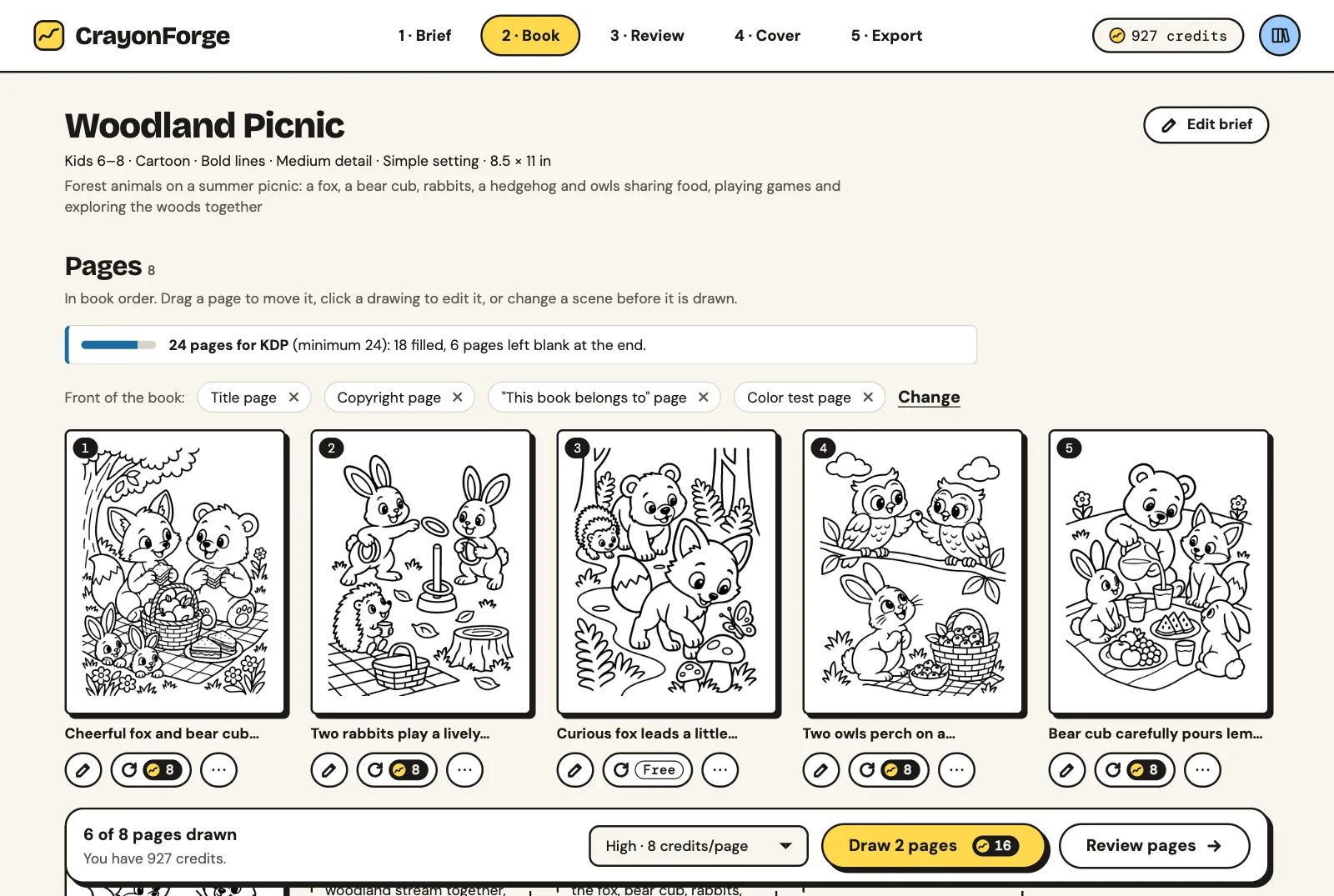
In the Book step, you can reorder pages, upload your own drawings, and add a title page, copyright page, ownership page, color test page, and blank backs. This turns a theme into a deliberate sequence rather than a folder of unrelated pictures.
Can I Make a Coloring Book and Sell It?
Yes. You can sell coloring books on Amazon through KDP, provided that you have the rights to the content and prepare the files to its rules.
Coloring books are not classified as low-content books. KDP’s Low-Content Books page says low-content books do not typically include activity books such as coloring books. Do not select the low-content box. A coloring book can use a free KDP ISBN and receive Look Inside.
According to KDP’s ISBN and imprint page, a free KDP ISBN is available for paperbacks and hardcovers and works only on KDP. Books that use one show the imprint “Independently published” on Amazon. On the same Best Sellers list, 16 of the top 100 books carried that imprint. Some self-publishers use their own imprints, so that count is a floor rather than the full independent total.
Choose the Trim Size, Paper and Page Count
For a typical kids’ book, choose the trim shape around the art and leave enough pages for blank backs, front matter, and a complete collection.
KDP’s trim, bleed, and margins guidance lists 16 standard paperback sizes from 5 × 8 in through A4 at 8.27 × 11.69 in. Custom paperback sizes can be 4–8.5 in wide and 6–11.69 in tall. Pick the trim before making art because the page shape affects the composition. Our coloring book size guide examines 145 Amazon books and provides pixel dimensions by trim.
The same Best Sellers list showed these trim sizes among the 16 books marked “Independently published.”
| Trim size | Independent books observed |
|---|---|
| 8.5 × 11 in | 12 |
| 8.5 × 8.5 in | 3 |
| 6 × 9 in | 1 |
How Many Pages Should a Coloring Book Be?
A coloring book must meet KDP’s minimum, but the useful target depends on how many drawings and blank backs you plan to include.
The KDP Paperback Submission Guidelines set a minimum of 24 pages. KDP counts pages from the uploaded file and rounds the count up to an even number. For black ink on white paper, KDP’s trim table allows up to 590 pages at both 8.5 × 11 in and 8.5 × 8.5 in; cream paper at those trims allows 550 pages.
On that November 6, 2026 list, the 16 independent books ran from 68 to 110 pages, with a median of 107 pages. Twelve had 100–110 pages. Across the entire top 100, the median was 84 pages because many licensed books were shorter, at 24–48 pages.
KDP’s formatting fixes page permits no more than four consecutive blank pages at the beginning or middle and no more than 10 consecutive blank pages at the end. One blank back after each drawing fits within that pattern.
What Kind of Paper Does a Coloring Book Use?
Use white paper when you want a clean black-and-white interior; KDP also offers cream and a lower-cost groundwood option for black ink.
KDP Print Options lists white or cream paper for black-and-white interiors and groundwood paper for black ink. Paperback covers use 80 lb, or 220 GSM, white stock with a glossy or matte finish.
Make the Coloring Pages
Create every page at the chosen trim shape, then inspect the art as something a child must actually color.
You have three practical production routes:
- Draw by hand, scan at 300 DPI or higher, and clean the line work.
- Draw in Canva, Procreate, or Adobe Illustrator at the trim size, then export at 300 DPI.
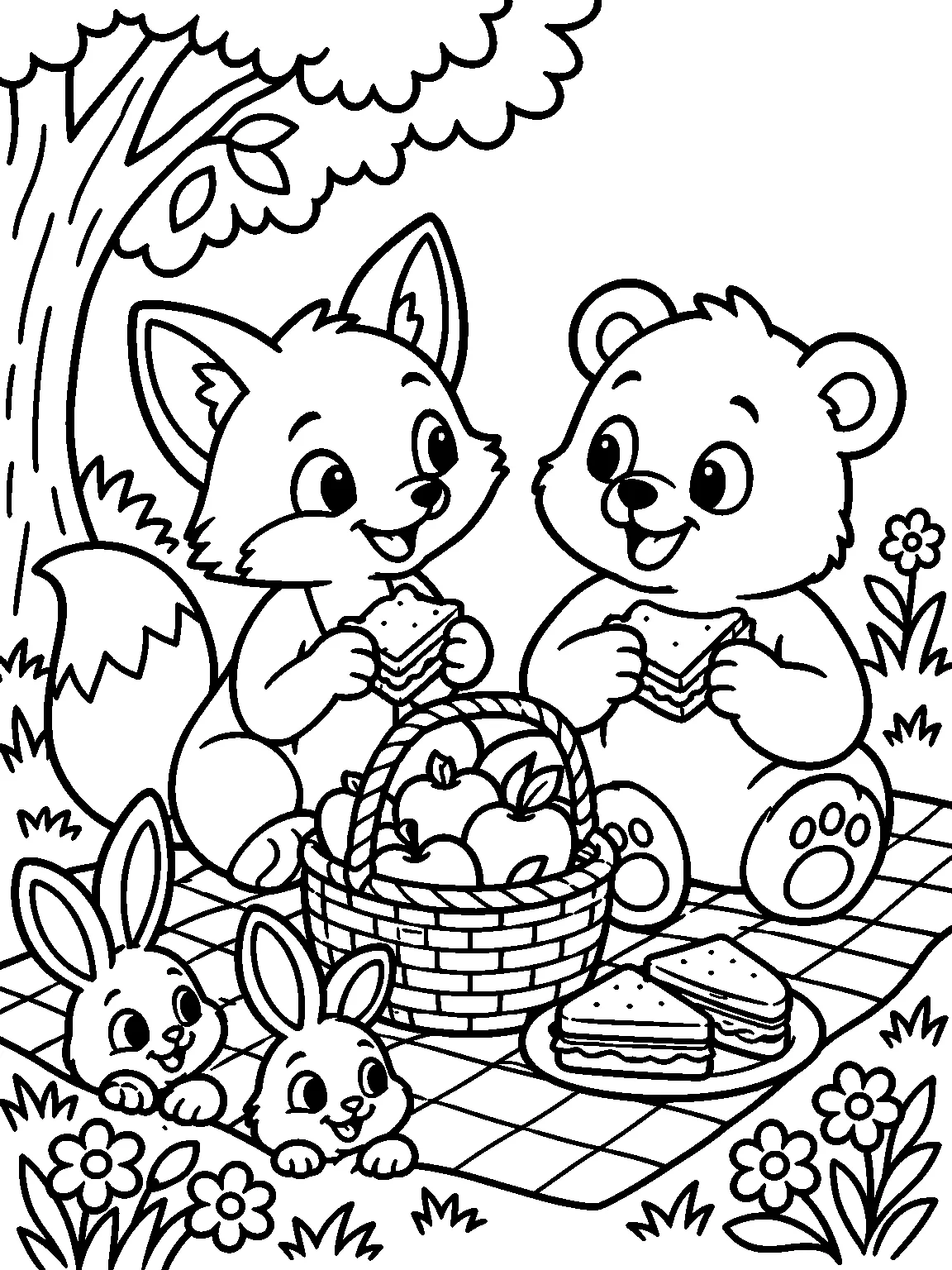
- Use an AI coloring book generator, then review every result for gray shading, stray text, thin lines, unsuitable detail, and anything copied from a brand.
KDP’s Content Guidelines require disclosure of AI-generated text, images, or translations during publication. Cover and interior artwork count. An image remains AI-generated after substantial edits. Work you created yourself and only edited with AI tools is AI-assisted and does not require disclosure. In every case, you remain responsible for intellectual property rights and the finished content.
What App Can I Use to Create a Coloring Book?
Use the app that matches your method: a drawing or design app for manual work, or CrayonForge for planning, generating, reviewing, and exporting a kids’ Amazon KDP coloring book.
CrayonForge makes black-and-white interiors for children ages 3 to 12. Each drawn page costs one credit. Scene writing, editing, uploads, and export use no credits. AI drawings carry a preview watermark until you buy your first credit pack; packs are one-time purchases listed on the pricing page.
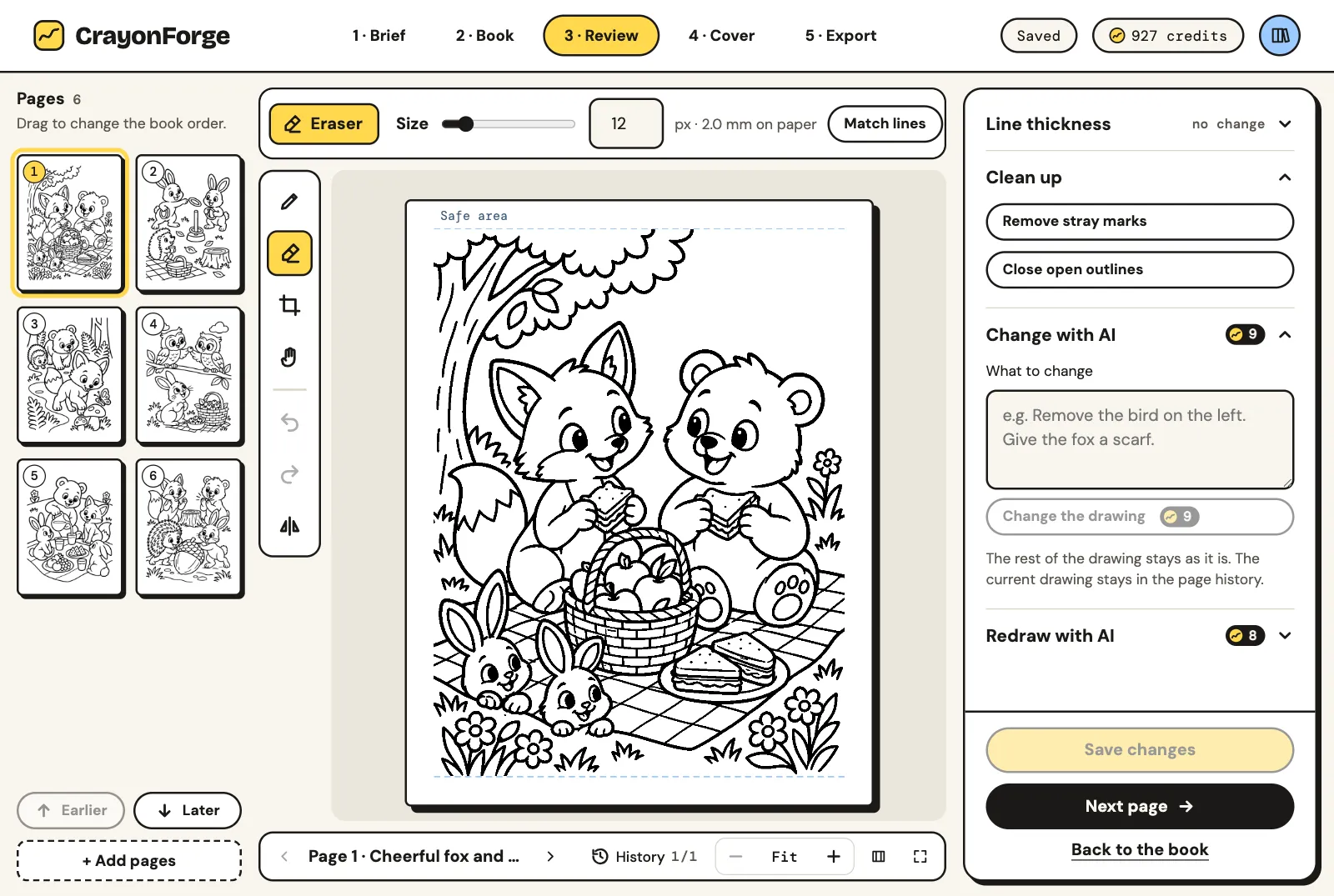
Its page editor includes a brush, eraser, crop, stray-mark removal, open-outline closing, and line-thickness controls. You can change part of an image with AI, redraw it, and return to earlier versions. The system flags gray shading, lines that are too thin, excessive detail for the selected age, and text that was not requested. If a paid drawing comes out almost empty or with stray text, its next redraw is free.
Build the Interior PDF and the Cover
Export one interior PDF made of single pages and one cover PDF containing the complete back-spine-front wrap.
The KDP Paperback Submission Guidelines require embedded fonts and prohibit crop marks, comments, bookmarks, watermarks, and locked or encrypted files. Images must be at least 300 DPI; KDP treats anything below 200 DPI as low resolution. Lines must be at least 0.75 pt, or 0.01 in, thick, and the file can be no larger than 650 MB.
For bleed, KDP’s trim and margin page adds 0.125 in to the width and 0.25 in to the height. If any page bleeds, every page must use bleed and the interior must be a PDF. Top, bottom, and outside margins are at least 0.25 in without bleed or 0.375 in with bleed. The inside margin is at least 0.375 in for books from 24 through 150 pages.
Build the cover only after the final page count is fixed. KDP’s cover guidance defines the width as back cover plus spine plus front cover and 0.125 in bleed at both outer edges. The height is trim height plus 0.125 in bleed at top and bottom.
Spine width is page count × 0.002252 in on white paper and × 0.0025 in on cream. Computed from KDP’s white-paper formula, a 24-page spine is 0.054 in and a 110-page spine is 0.248 in. Our free KDP cover calculator does this math for any trim, paper and page count and gives you a template. KDP gives conflicting wording around 79 pages, so 80 pages is the safe minimum for spine text. Cover text must be at least 7 pt and sit at least 0.125 in inside trim lines.
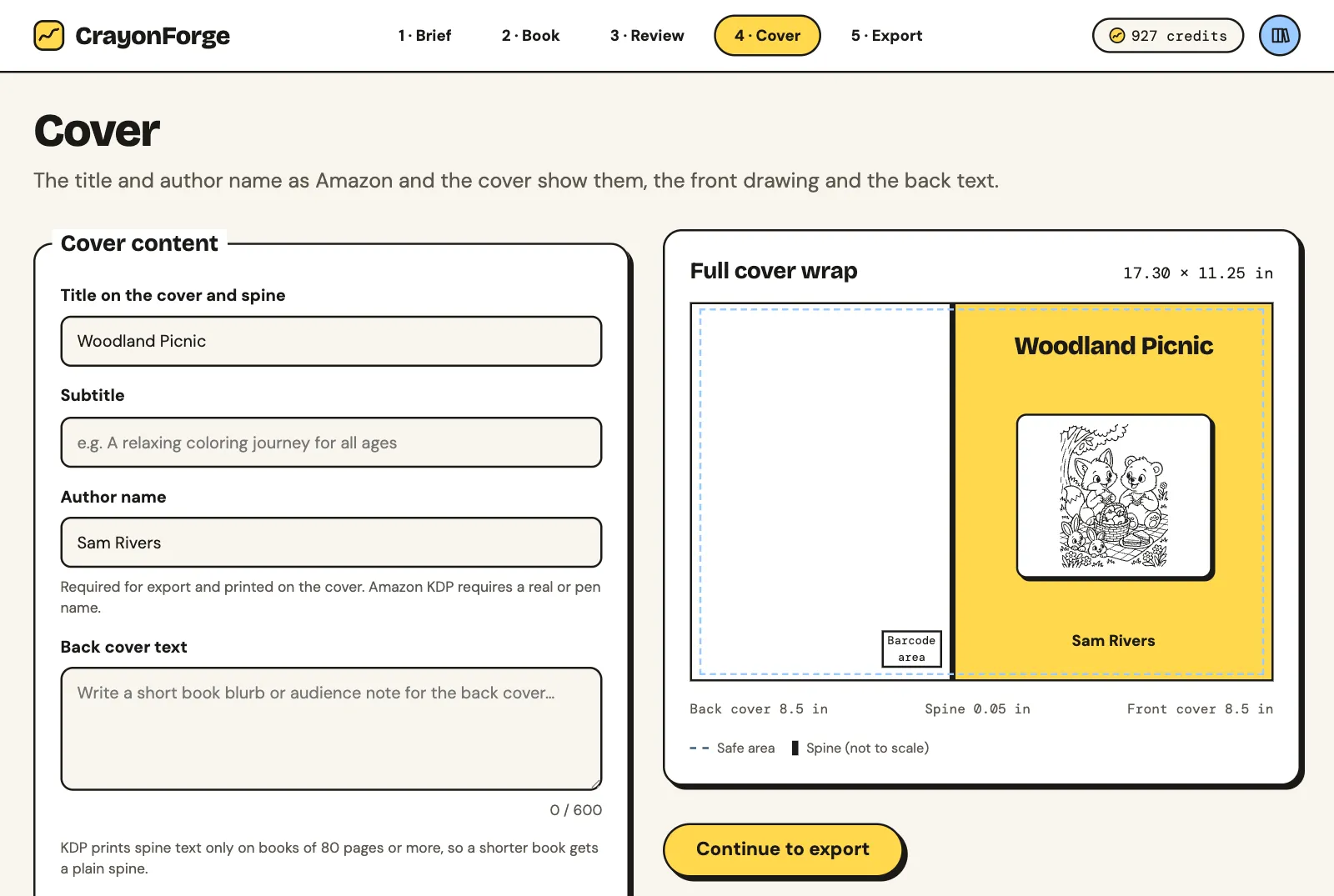
KDP’s barcode guidance says KDP can place a free barcode in a 2 × 1.2 in white box at the lower right of the back cover. Leave that area clear because the box will cover anything beneath it.
CrayonForge’s Cover step lays out the title, subtitle, author, back text, spine, and barcode area. Export then checks trim, bleed, page count, inside margin, and spine width before producing interior.pdf and cover.pdf. It can pad the interior to KDP’s 24-page minimum and an even count with blanks at the end. It offers all 16 standard KDP paperback sizes on white or cream paper.
For what to put on the front and back, see our coloring book cover guide, built on the covers of 12 independent kids’ bestsellers.
Upload, Check and Publish on Amazon KDP
Upload both PDFs, disclose AI-generated material when applicable, inspect every warning, and order a printed proof before publishing.
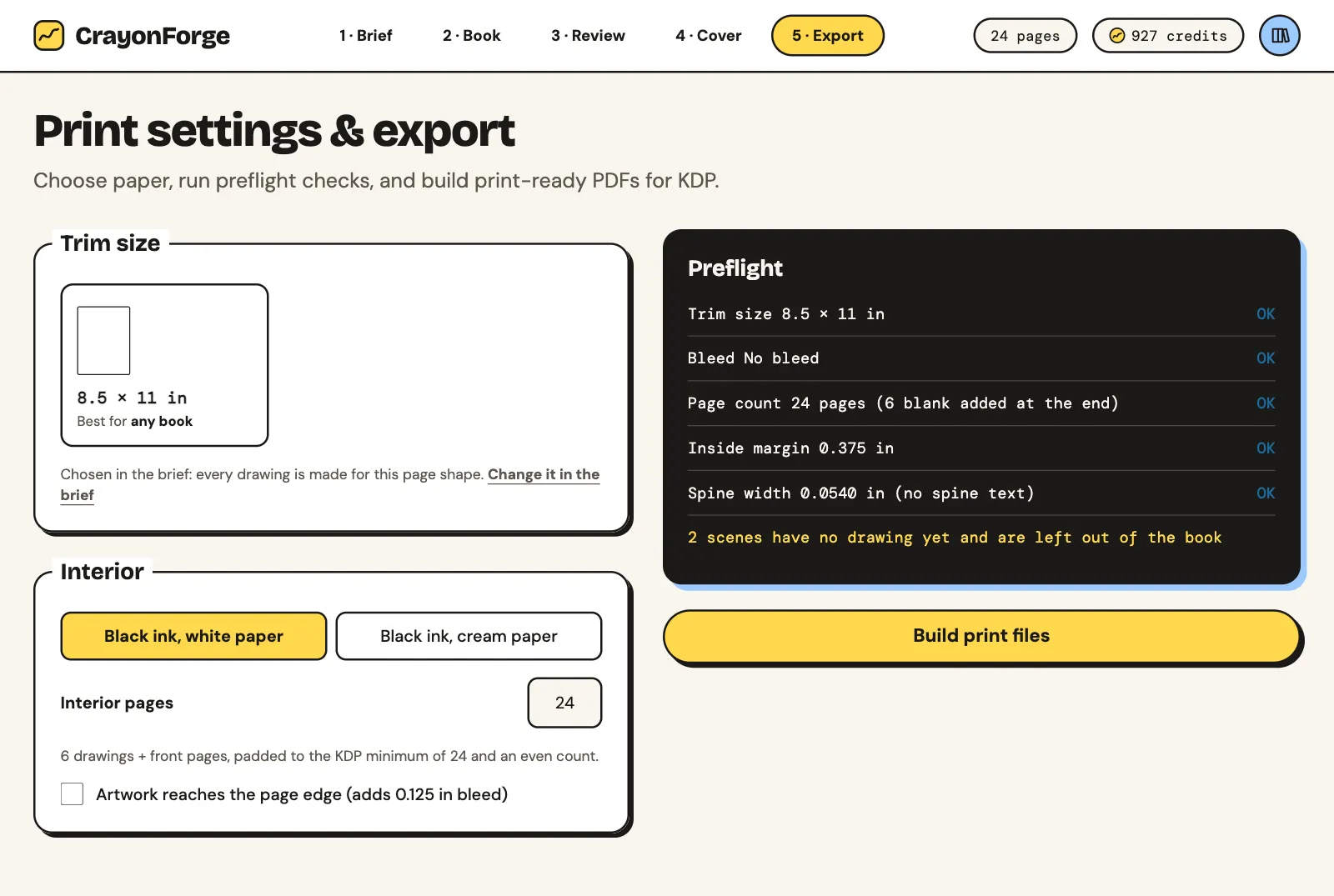
After upload, KDP’s Print Previewer checks margins, cover dimensions, and fonts. Our 24-page “Woodland Picnic” sample for ages 6–8 used an 8.5 × 11 in trim, white paper, and no bleed. It passed KDP’s Print Previewer with no issues on November 11, 2026.
The KDP proof-copy instructions let you order proofs after approving the book in Print Previewer while it remains a draft. You can order up to five per order. Proofs carry a “Not for Resale” watermark, and you pay printing plus shipping.
Check the physical copy for these points:
- Lines are dark enough, shapes remain open enough to color, and details suit the intended age.
- Nothing important sits too close to the gutter or outside edge.
- Blank backs, front pages, and drawings appear in the intended order.
- The cover is centered, readable, and clear of the barcode area.
KDP’s Create a Book page limits new titles to two per book format each week. Plan a series around that limit rather than preparing a large batch for one day. For more production articles, see our other guides or read about CrayonForge.
What a Coloring Book Earns on Amazon
Calculate earnings from the royalty rate and printing cost; the list price alone does not tell you the return per copy.
KDP’s printing-cost page says KDP charges no upfront printing fee and holds no inventory. It prints on demand and subtracts printing cost from the royalty. The formula is a fixed charge plus page count multiplied by a per-page charge.
For black ink on white or cream paper sold on Amazon.com, that page lists only a fixed charge for 24–110 pages: $2.30 for regular trim and $2.84 for large trim. Large means wider than 6.12 in or taller than 9 in, which includes 8.5 × 11 in and 8.5 × 8.5 in. For 110–828 pages, regular trim costs $1.00 plus $0.012 per page, while large trim costs $1.00 plus $0.017 per page.
KDP’s paperback royalty page gives Amazon.com books priced at $9.99 or more a 60% rate. Prices of $9.98 or less receive 50%. The formula is list price multiplied by the rate, minus printing cost. Expanded Distribution pays 40% minus printing cost, but KDP’s Expanded Distribution page lists coloring books among the content its distributors do not accept.
Using those KDP rules (2026), these are computed examples for an 8.5 × 11 in black-ink book of no more than 110 pages sold on Amazon.com. They are not sales results. For other marketplaces, page counts and papers, use our KDP royalty calculator.
| List price | Royalty rate | Rate × price | Printing cost | Royalty per copy |
|---|---|---|---|---|
| $7.99 | 50% | $4.00 | $2.84 | $1.16 |
| $9.99 | 60% | $5.99 | $2.84 | $3.15 |
| $12.99 | 60% | $7.79 | $2.84 | $4.95 |
How Much Does It Cost to Make a Coloring Book on Amazon?
KDP costs nothing upfront to list, but each sold copy incurs the applicable printing cost before you receive a royalty.
The printing-cost and royalty pages show why two boundaries matter. Moving an Amazon.com list price from $9.98 to $9.99 changes the royalty rate from 50% to 60%. Staying at 110 pages or fewer keeps a black-ink book in the fixed-cost band. Separately, the November 6, 2026 Best Sellers list had 12 of the 16 independently published books at 100–110 pages. That is an observation, not evidence of why their publishers chose those lengths.
In short, how to make a coloring book comes down to choosing a reader, building age-appropriate pages, exporting compliant interior and cover PDFs, checking a proof, and pricing from the royalty math. You can start a coloring book when you are ready to turn the plan into pages.
CRAYONFORGE
Make your kids' coloring book for KDP
Describe the theme and age, get a scene for every page, draw them, then export interior.pdf and cover.pdf checked against KDP's rules. New accounts get 5 free credits.
More guides
Nov 12, 2026
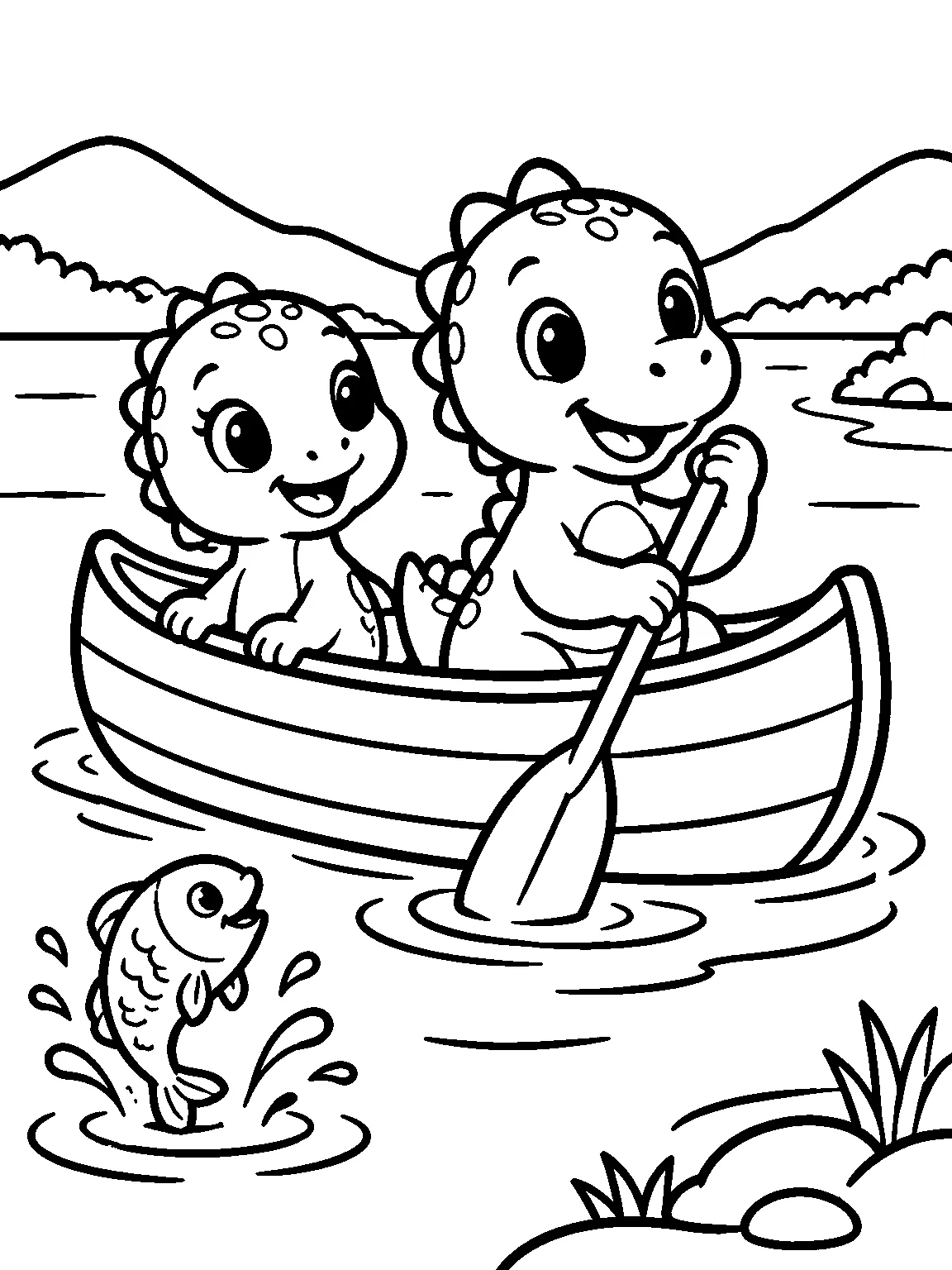
30 Kids' Coloring Book Ideas, Checked Against Real Amazon Data
Which kids' coloring book themes sit high on Amazon, which have room for an independent publisher, and which ideas to skip, from 153 books read on November 12, 2026.
READ THE GUIDE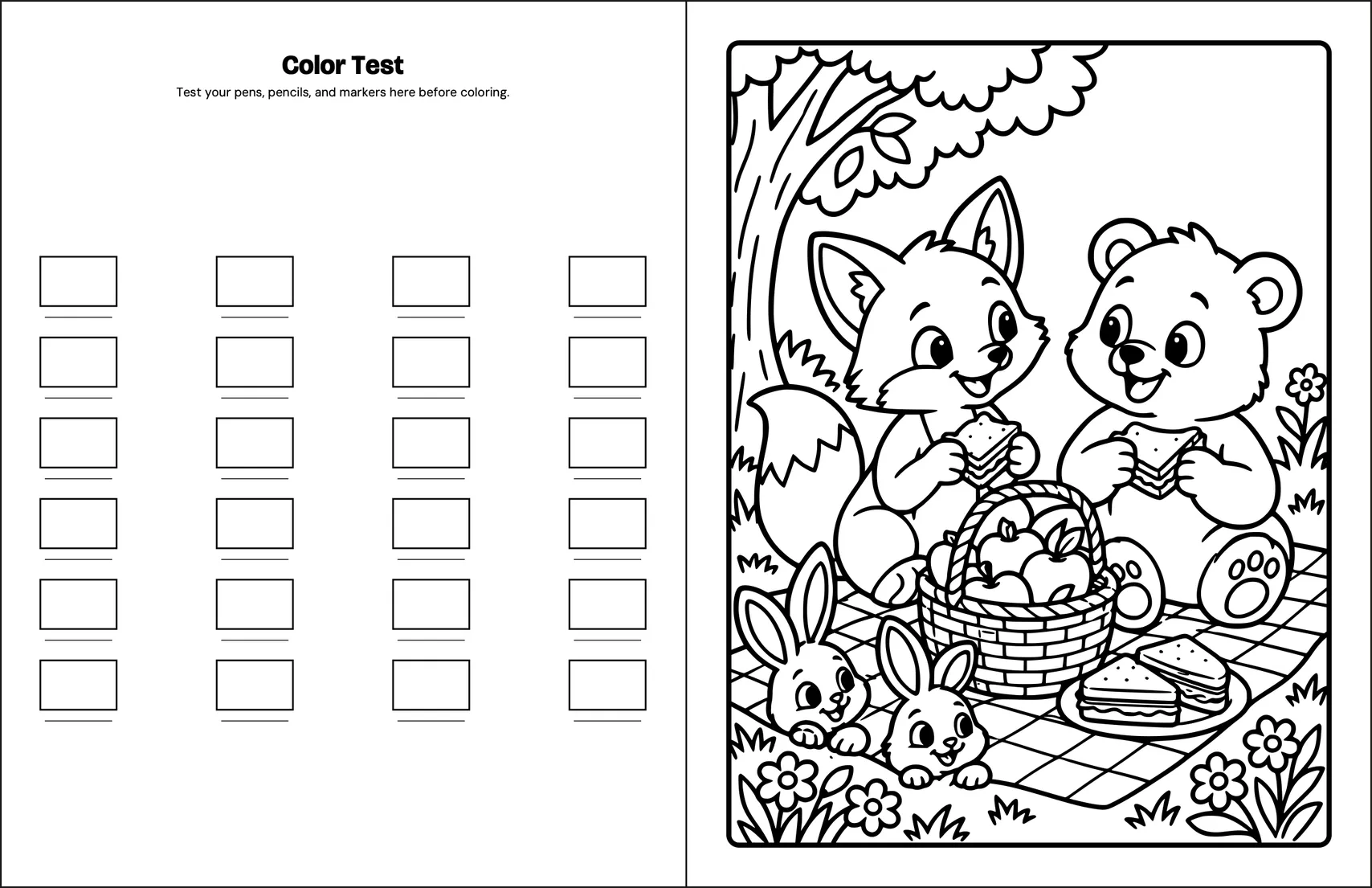
Nov 12, 2026
Cream or White Paper on KDP: Which Suits a Coloring Book?
White and cream paper cost the same to print on KDP; what changes is the spine and the page limit, and we checked what 203 kids' coloring books on Amazon say about paper.
READ THE GUIDE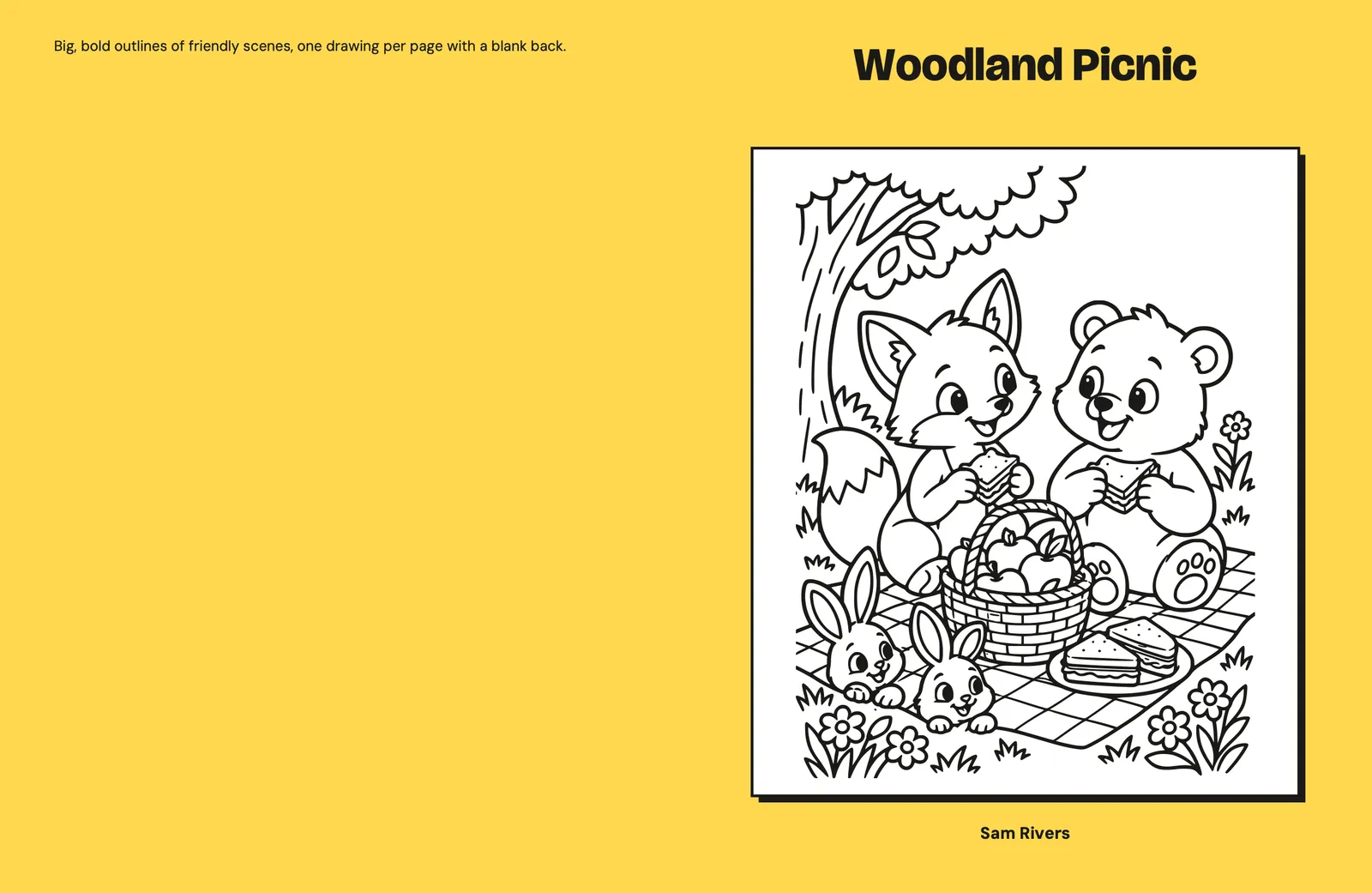
Nov 12, 2026
How to Publish a Coloring Book on Amazon KDP, Field by Field
To publish an Amazon KDP coloring book you fill in three pages (Details, Content, Rights & Pricing), and four answers differ from other books: leave Low-content unticked, take the free ISBN, skip Expanded Distribution and disclose AI-generated drawings.
READ THE GUIDE