Create Your Own Coloring Book for Amazon KDP with AI
Our AI coloring book generator turns your theme into black-and-white pages. Edit any drawing, build a cover and export two PDFs.
5 free credits on your first Google sign-in. No card needed.
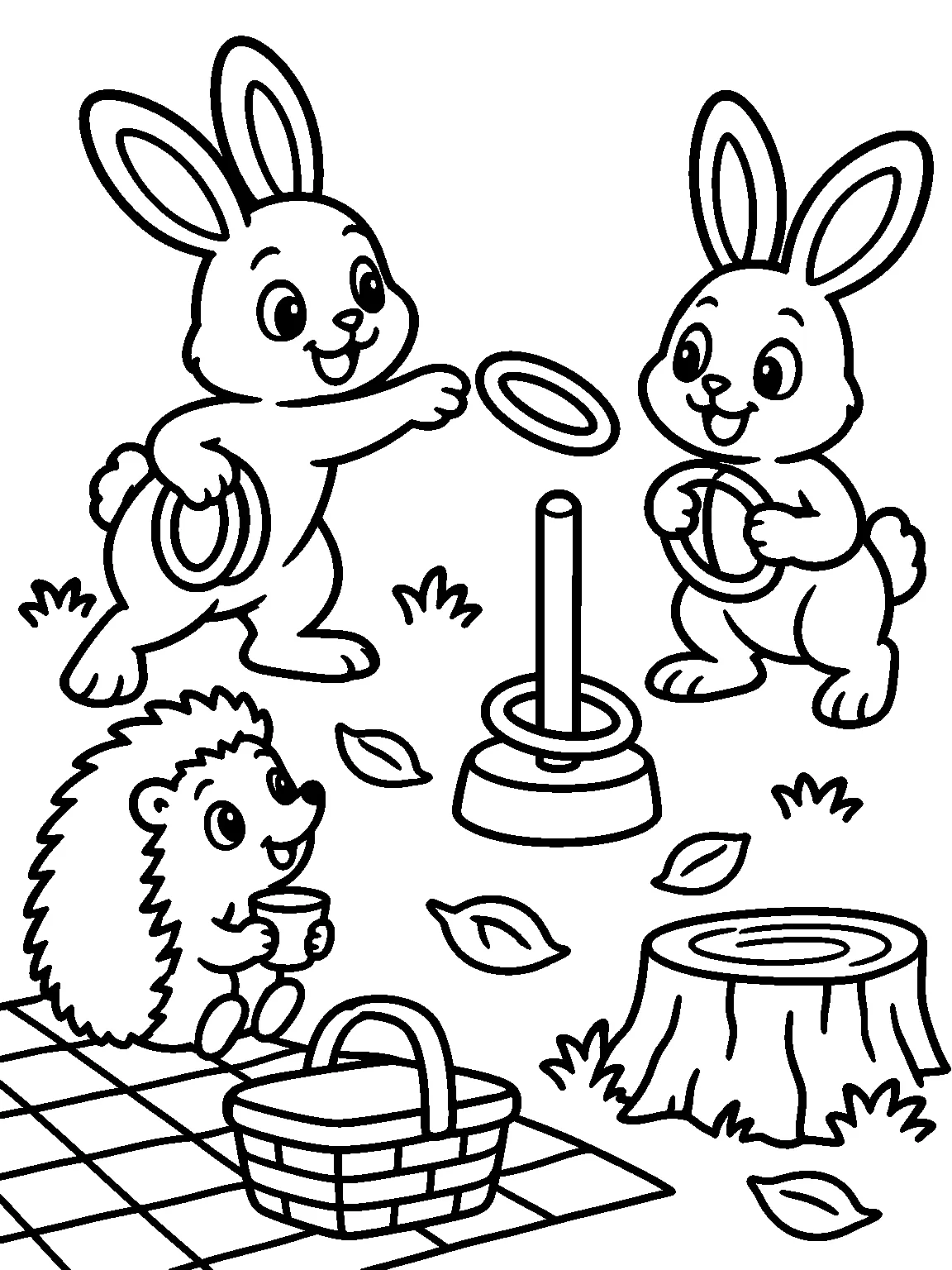
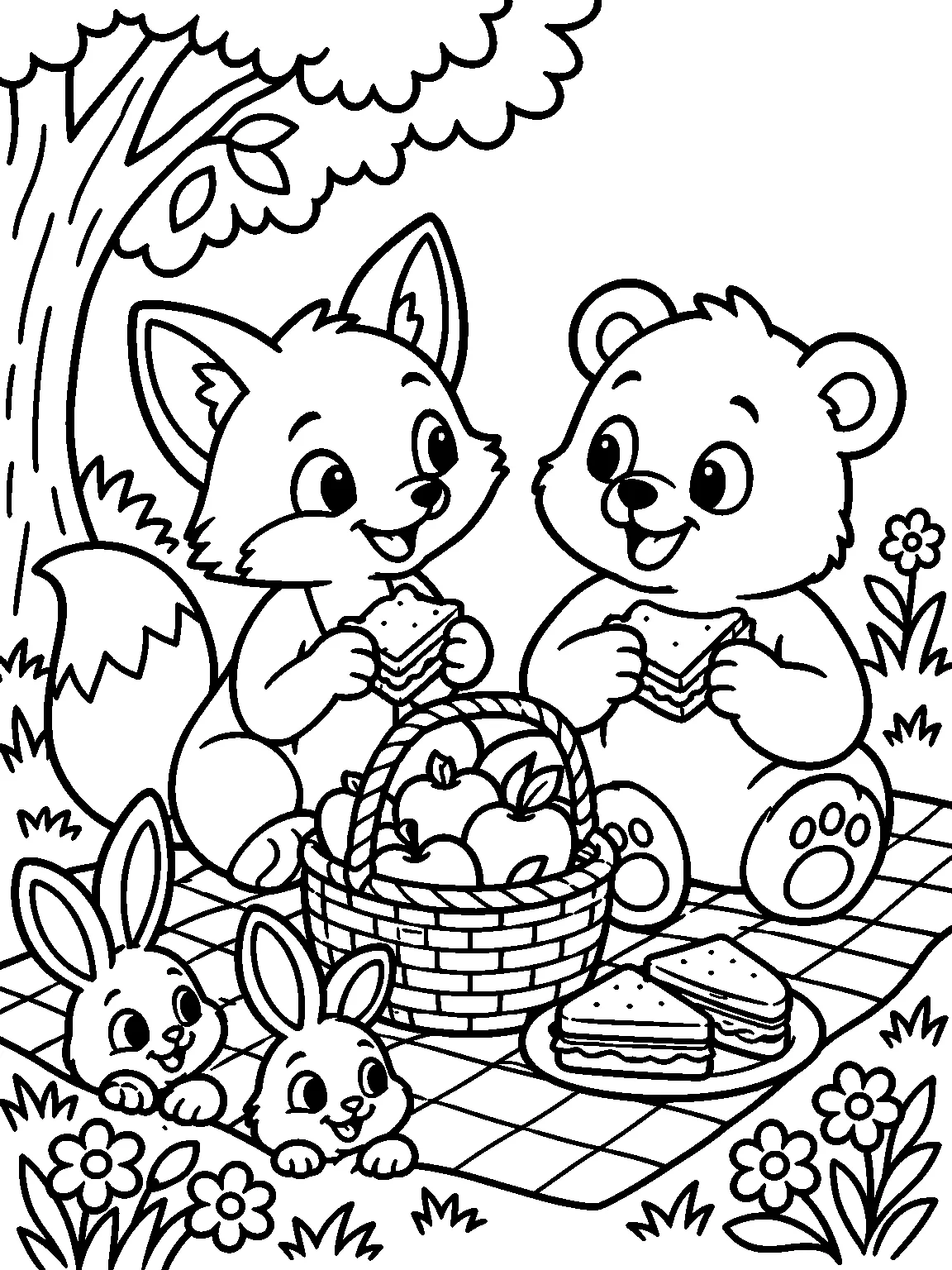
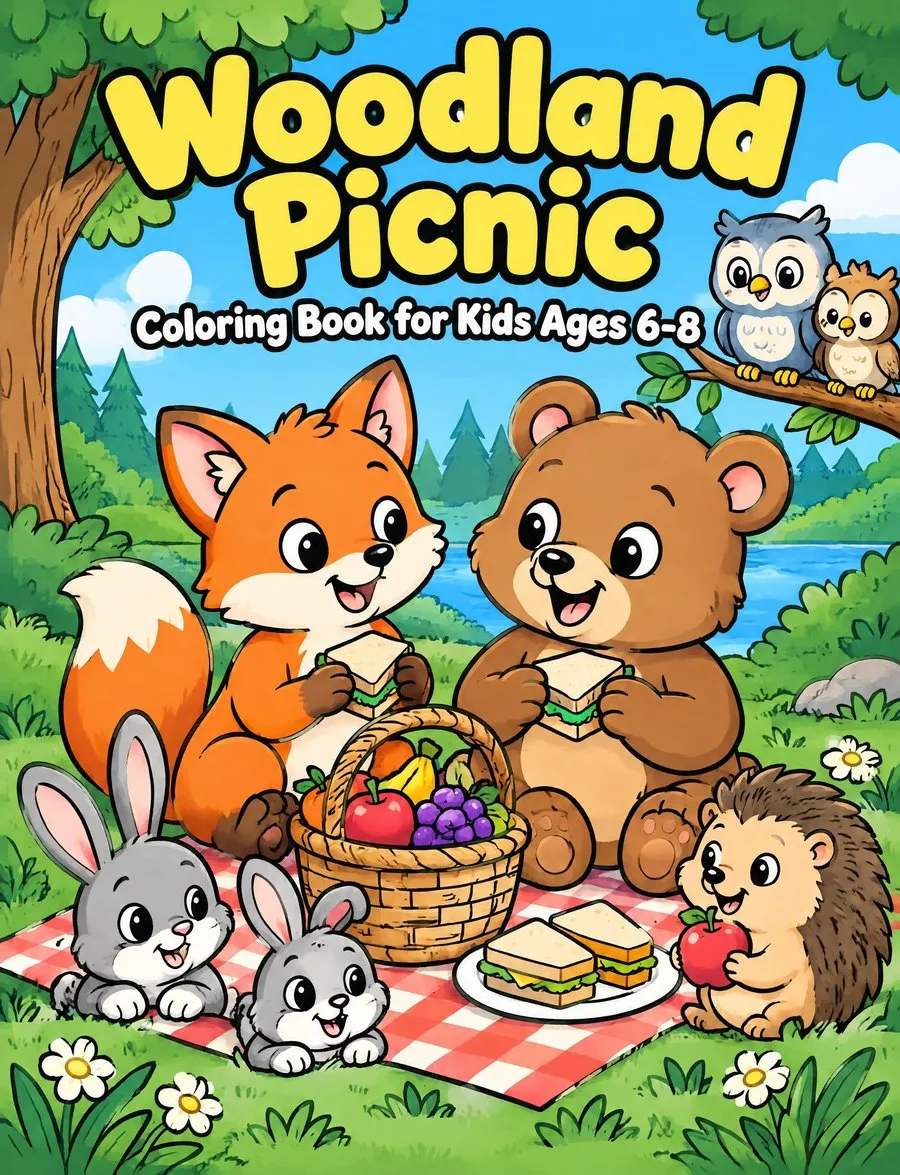
From Brief to Coloring Book
Make a coloring book in one workspace, from the first scene to the files you upload to KDP.
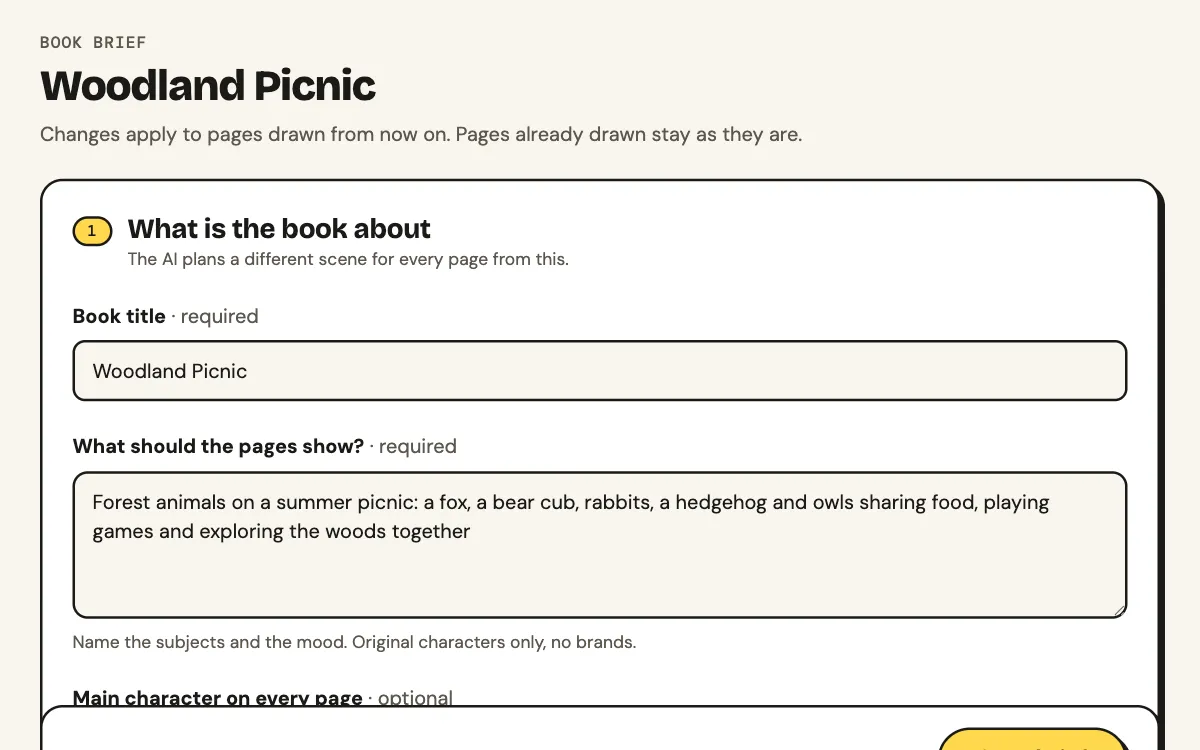
Brief
Set theme, audience, look, print format and page count. The AI writes your scenes for free.
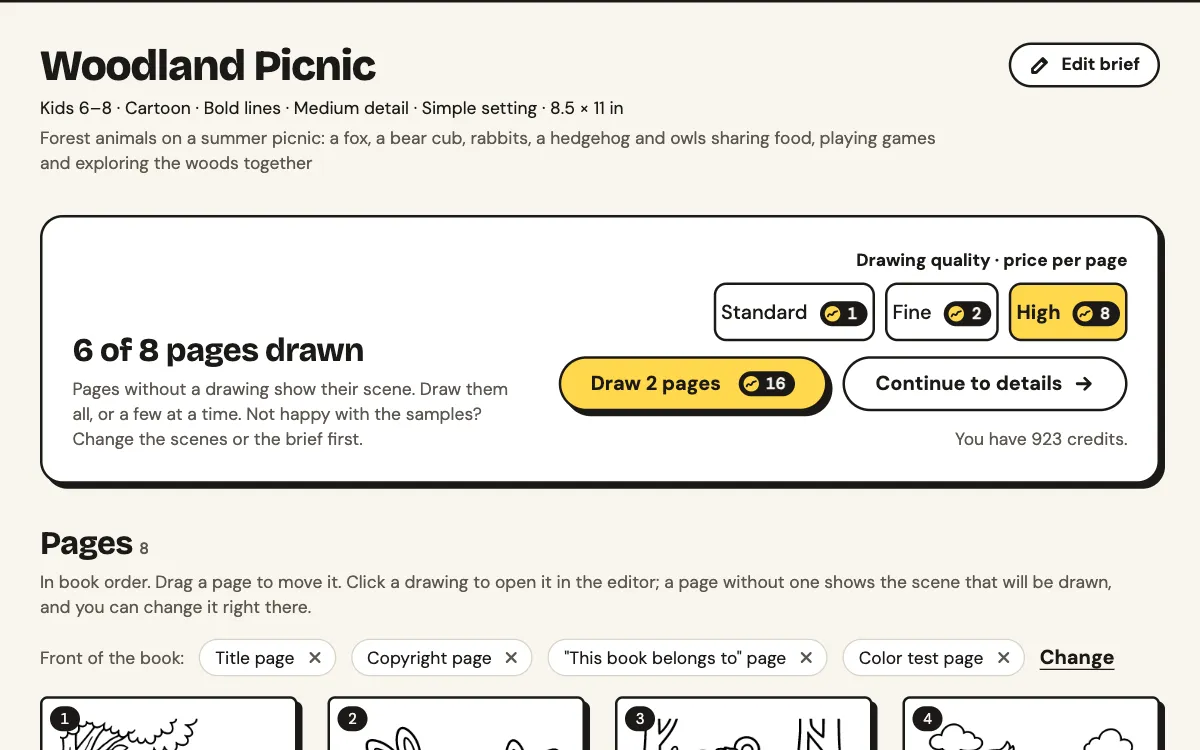
Draw
The first 4 pages are drawn right after the brief, so you see the look before drawing the rest.
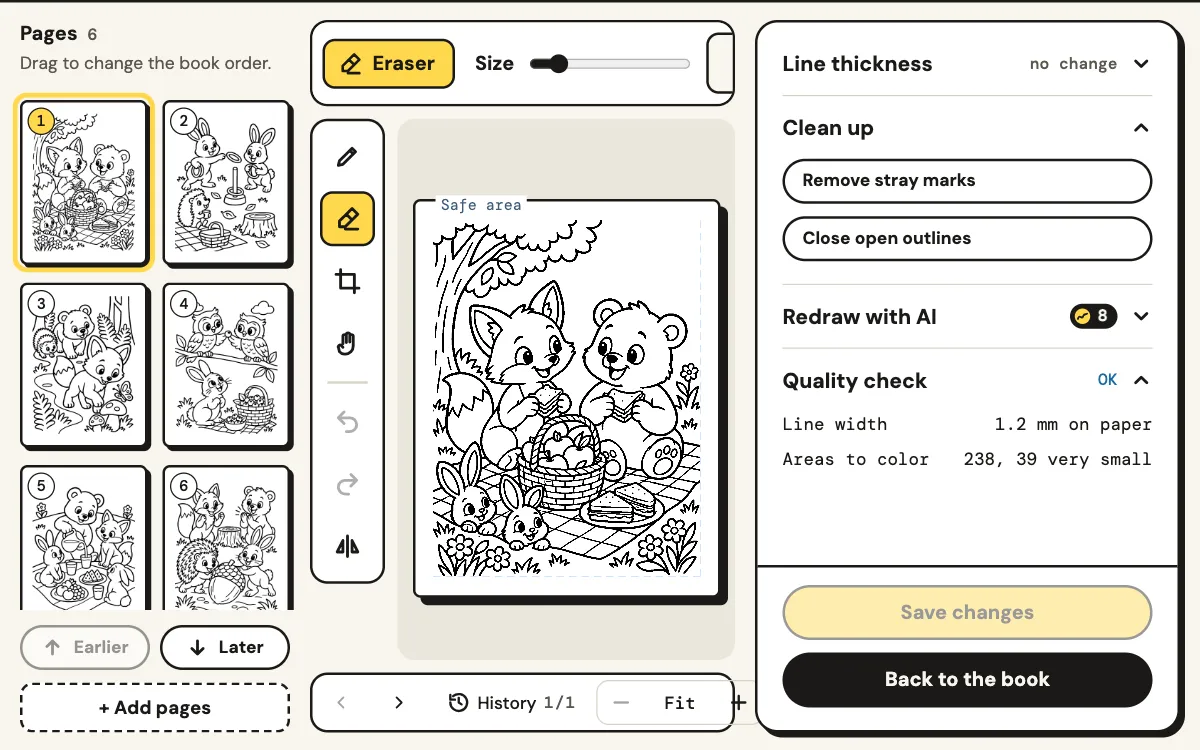
Edit
Brush, erase or crop a page and restore earlier versions from History. Add text pages, uploads and blank backs.
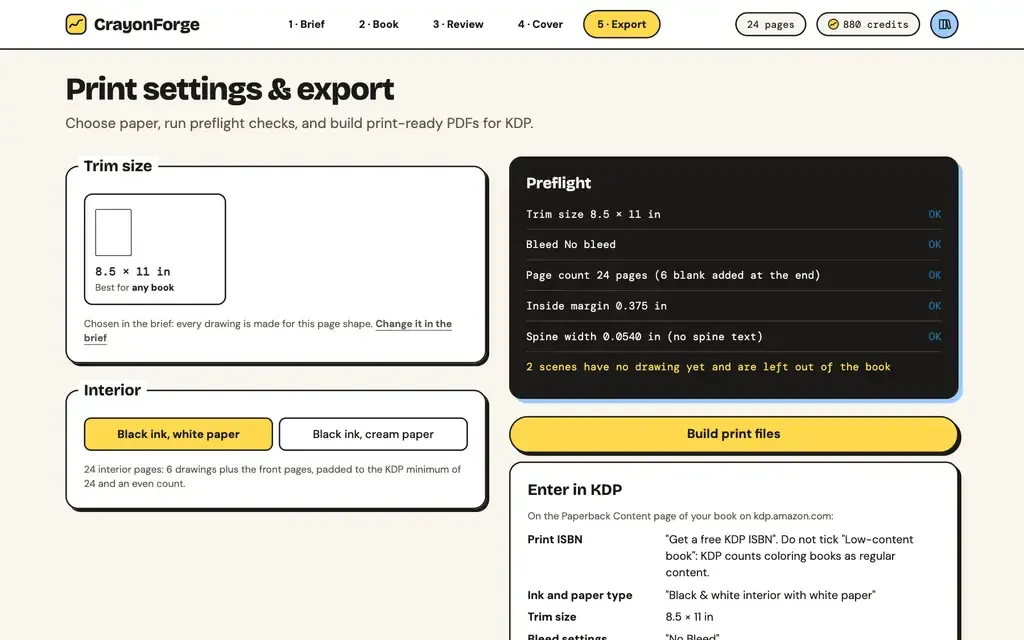
Export
Check the KDP preflight, then download the interior PDF and the full cover wrap.
Text pages: a title page, copyright page, "This book belongs to" page or color test page.
Choose the Look Before You Draw
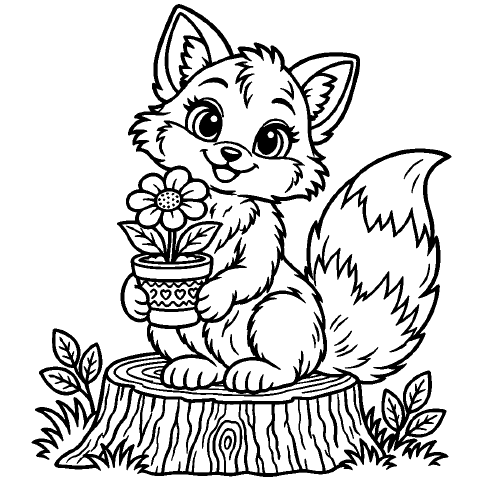
Pick audience, art style, line thickness, detail and background in the brief. The same fox, two settings:
- Thin
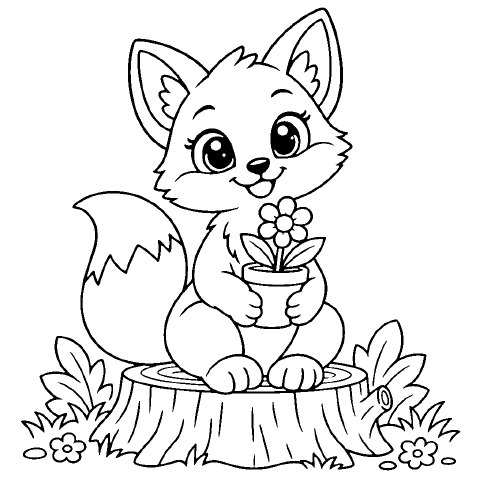
- Medium
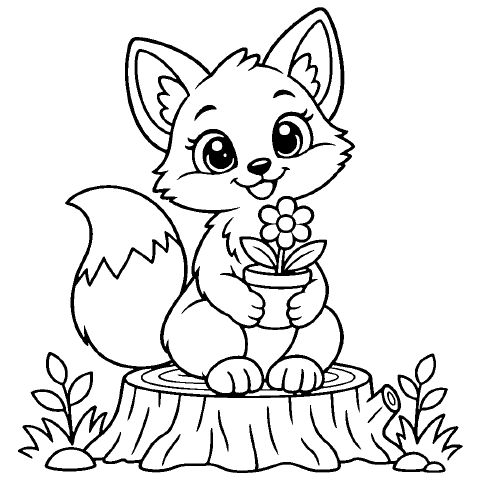
- Bold
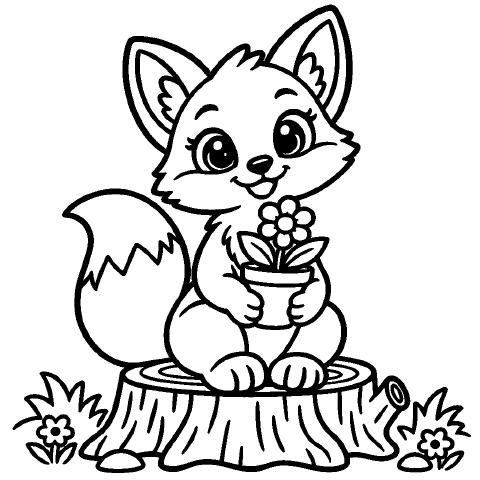
- Low
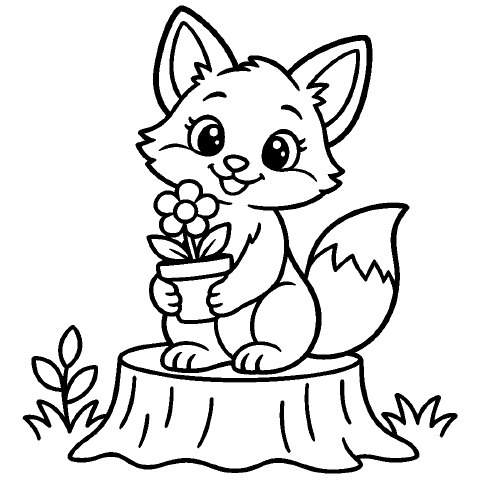
- Medium
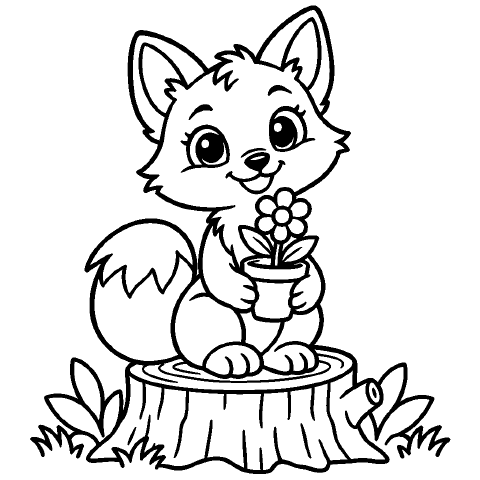
- High
Checks for Pages Made to Color
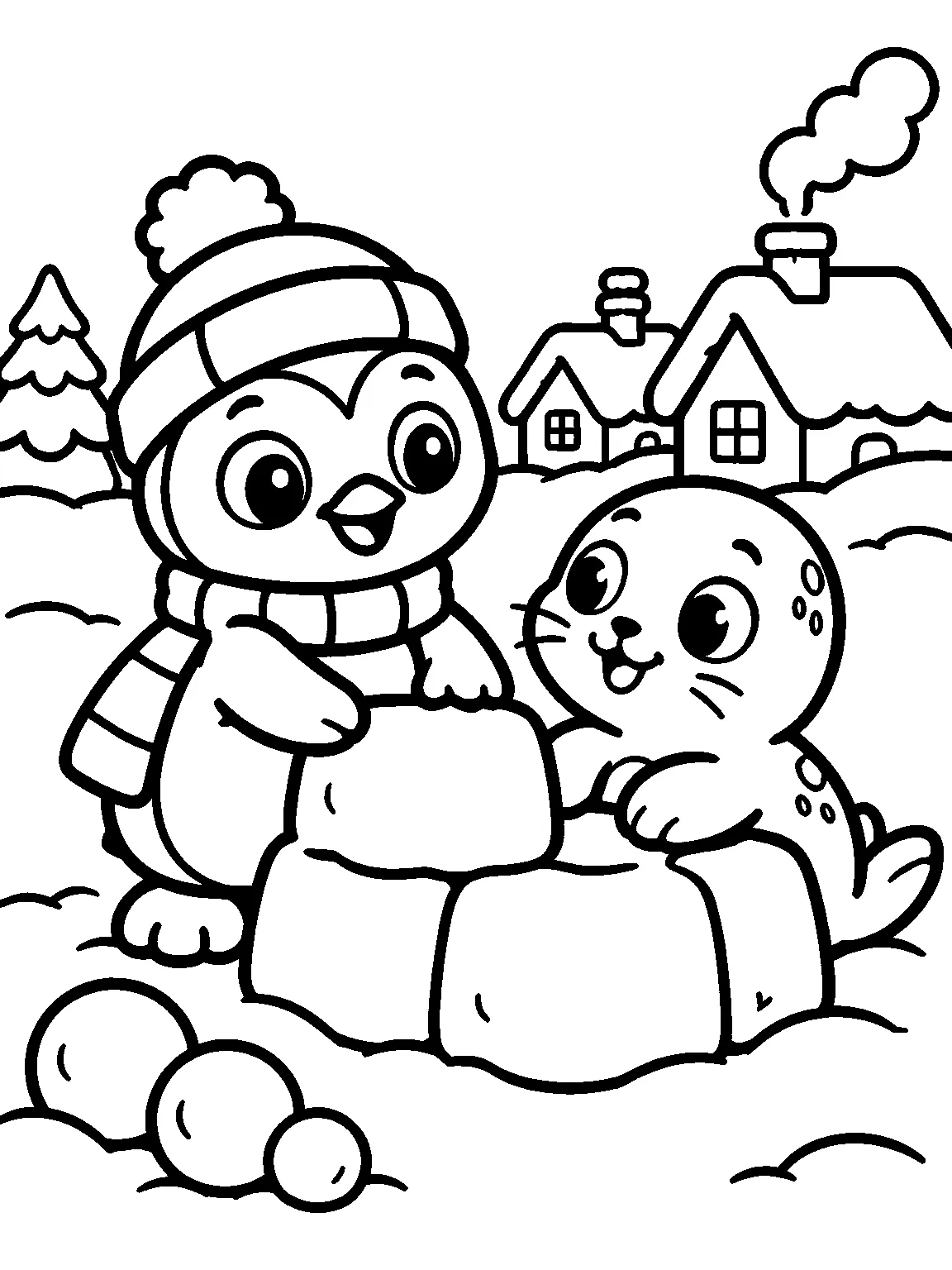
Each drawing is checked for common line-art problems. If a paid drawing comes out almost empty or with stray text, its next redraw is on us.
- Gray shading
- Heavy black fills
- Lines that are too thin
- Too many tiny spaces for the audience
Check the Fit Before You Upload
Every export checks trim size, bleed, margins, page count and spine width, and flags a page with stray text or almost no lines. Page-specific problems point to the page to fix.
Every KDP Coloring Book Size
Choose from 16 paperback trim sizes, with white or cream paper. The three marked sizes are common in coloring books.
- 8.5 × 11
- 8.5 × 8.5
- 8.25 × 8.25
- 5 × 8
- 5.06 × 7.81
- 5.25 × 8
- 5.5 × 8.5
- 6 × 9
- 6.14 × 9.21
- 6.69 × 9.61
- 7 × 10
- 7.44 × 9.69
- 7.5 × 9.25
- 8 × 10
- 8.25 × 6
- 8.27 × 11.69
Pick the size first
Drawings use your chosen page shape. If you change sizes later, existing drawings scale to fit; they are not redrawn.
One side per drawing
Markers bleed through KDP paper, so pages print single-sided with blank backs unless you turn it off.
Not sure which?
See what 145 coloring books on Amazon use: Which size to pick.
Questions About AI Coloring Books
Can I sell an AI coloring book on Amazon KDP?
Yes, subject to KDP's rules and review. Disclose AI-generated images when KDP asks. See theKDP content guidelines, check your files in its previewer and order a proof.
Can I add my own drawings?
Yes. Upload your line art to any page and mix it with AI pages in one book. Uploads cost no credits.
How much does it cost to make a coloring book?
1 credit per drawn page. Scenes, editing, uploads and export are free. Credit packs are one-time purchases, not a subscription.Pricing
Who owns the pages, and can I sell them?
As between you and CrayonForge, the drawings, books and PDFs are yours to use, including in books you sell. Until your first credit pack, AI drawings carry a preview watermark. AI images may get limited or no copyright protection. See the Terms.
Which trim sizes and paper can I use?
Any of the 16 paperback sizes above, on white or cream paper. Interiors are black and white. Pick the size in the brief so drawings match the page shape.
What happens if a drawing fails?
If a drawing comes out with nothing, its credits are refunded. A paid AI drawing that comes out almost empty or with stray text gets one free redraw.
Does CrayonForge make color pages or publish my book?
No. Interiors are black and white; the colored-in examples show how a page could look once colored. You download the interior and cover PDFs and upload them to KDP yourself.
Your Next Coloring Book Starts With One Theme
Try the AI coloring book generator with 5 free credits on your first Google sign-in.